Special Text Generator Create Stylish Unicode Text
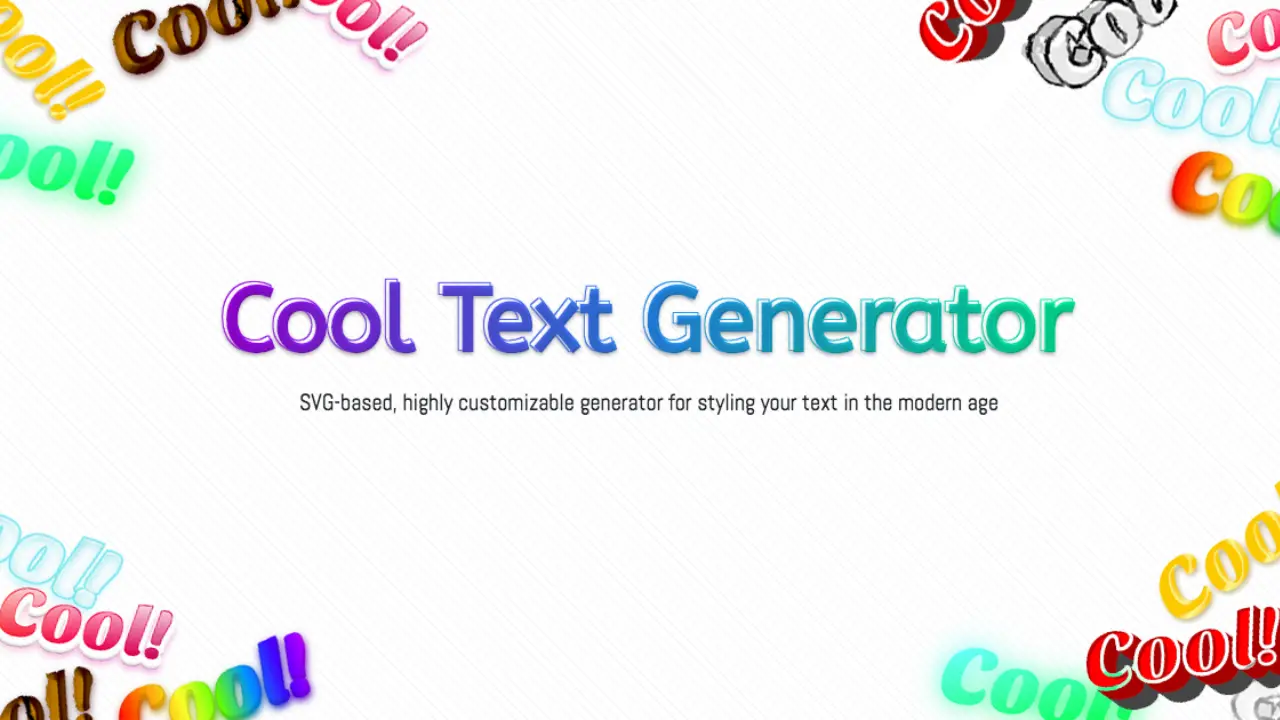
A special text generator turns ordinary letters into decorative, copyable characters that can be used in social posts, profile names, captions, messages, and headings. Most of these tools do not create a new font file. Instead, they replace standard letters with visually similar Unicode characters, such as bold, script, circled, small-cap, or full-width forms.
The result can look distinctive without requiring the reader to install anything. Still, appearance is not the same as accessibility or universal compatibility. The best use is short, readable emphasis rather than long blocks of stylized writing.
What a special text generator does
A special text generator converts typed text into alternative Unicode character forms that can usually be copied and pasted elsewhere. You enter a word or phrase, choose a style, then copy the result.
For example, the plain word “Hello” may be presented in styles resembling bold, italic, script, monospace, circled text, or a mix of symbols and letters. The exact options differ among tools, but the basic process is the same: character substitution.
This distinction matters because the output is typically text, not an image. It may remain selectable and searchable, though not always in the way you expect.
Unicode text versus fonts
“Fancy text” is often described as a font, but that is usually not technically correct. A font controls how ordinary characters are drawn on a device. Unicode assigns code points to characters, including many letter-like symbols and mathematical alphabet characters. A generator can substitute those characters into your text.
| Format | How it works | What the reader needs |
|---|---|---|
| Unicode stylized text | Uses alternative characters in the copied text | A device and app that support those characters |
| Installed font | Changes the visual design of standard characters | The font must be available where the text is displayed or embedded |
| Image text | Renders words as pixels or a graphic | Image support; the words are not normal editable text |
Unicode is why a copied style can often appear in a profile or message without extra setup. It is also why one style may appear neatly on one device but as empty boxes, replacement symbols, or a plainer fallback on another.
How to use a special text generator
- Write the original text plainly. Keep a normal-text version available, especially for names, links, or important information.
- Enter it into the generator. Many tools show several converted versions at once.
- Choose a readable style. Check that letters can be recognized quickly and that punctuation still makes sense.
- Copy the converted result. Paste it into the destination field, caption, bio, or message.
- Preview before publishing. Look for missing characters, unexpected spacing, or changes in the app’s display.
If the destination is public, preview it on more than one device or ask someone using a different platform to check it. This is especially helpful for usernames and event details.
Popular styles and their best uses
Different styles communicate different things. A restrained choice is usually easier to read and more likely to display well.
Bold and italic-like characters
These can draw attention to a short heading, a label, or one or two words in a caption. They are often clearer than highly ornamental styles, but they are still separate Unicode characters rather than true formatting in many cases.
Script and cursive styles
Script-like letters can suit a short display name, invitation heading, or creative label. They become hard to read quickly, particularly on small screens or when used in all caps.
Small caps and full-width text
These styles are generally more restrained. Small-cap-like output can give a clean label effect, while full-width text creates a spaced, headline-like appearance. Both can still create search, spacing, or compatibility issues.
Circled, squared, and enclosed letters
Enclosed characters work best for brief markers, initials, list labels, or a very short word. Not every letter, number, symbol, or language has an equivalent enclosed form.
Symbol-heavy decorative text
Some generators add stars, arrows, hearts, dividers, or unusual punctuation around text. These are useful as visual separators in a short bio or post, but excessive symbols can make copying, searching, and reading difficult.
Where stylized text works well
Decorative Unicode text is most useful where personality and visual emphasis matter more than formal readability. Common uses include:
- Short social media bios and display names
- Caption headings or section dividers
- Gaming profiles and community nicknames
- Casual invitations, cards, and announcements
- Short chat messages and status updates
- Creative project titles or aesthetic labels
Keep the surrounding information normal when it contains a date, address, instruction, contact detail, price, or other information people may need to copy accurately.
Compatibility limits to expect
Unicode support varies by operating system, browser, app, font, and language. A character that looks polished in one place may render differently somewhere else. Older software and some platform-specific text fields may provide limited support.
Some services also limit the characters allowed in usernames, account handles, passwords, forms, and searchable fields. A stylized display name may be accepted while the matching account handle must use regular letters, numbers, and a small set of symbols.
Search can be inconsistent as well. Text that looks like “hello” may contain characters that are not treated as ordinary h, e, l, l, and o by every search system. Do not rely on decorative text for a business name, product name, hashtag, or other term people need to find reliably.
Readability and accessibility matter
Stylized text can be confusing for readers with low vision, people using screen readers, and anyone who does not recognize the character set. Screen readers may announce unusual characters unpredictably, skip some styling, or read a sequence in a way that does not match its visual appearance.
Jameliz Erome Age, Career, Income And Lifestyle
Use decorative output as an accent, not as the only way to communicate an important message. A practical approach is to write the key information in plain language first, then add a short decorative heading if desired.
- Avoid stylizing full paragraphs or long instructions.
- Do not use look-alike letters to disguise words or imitate another person or organization.
- Use plain text for links, email addresses, phone numbers, dates, and safety information.
- Choose simple styles when your audience includes people using varied devices or assistive technology.
- Keep an ordinary-text version of your name or title available for search and copy-and-paste use.
Common problems and simple fixes
The pasted text turns into boxes or question marks
The destination app or device may not support one or more characters. Try a simpler style, use plain text, or test a shorter version. There is no reliable fix on the reader’s side if their device lacks the needed character support.
The text looks different after posting
Each platform can apply its own font and rendering rules. Preview the published version rather than relying only on the editing box. If the design changes too much, choose a less complex style.
Chaturbate Ebony Profiles And Live Cam Info
Letters are hard to identify
Script, Gothic-style, and symbol-heavy output can make similar characters difficult to distinguish. Use fewer stylized words, avoid all caps, and compare the result with the original before sharing it.
The text cannot be found in search
Use standard spelling in the main title, caption, profile description, or nearby text. Decorative characters should not replace words that need to be indexed or searched.
The generator changes only some characters
Unicode does not provide matching styled forms for every character. Accents, punctuation, emojis, non-Latin scripts, and certain symbols may remain unchanged or may not be supported by a chosen style.
Use special characters responsibly
Decorative characters are harmless for creative expression, but look-alike characters can also be used to confuse readers. A name made with characters from different scripts may resemble a familiar word while actually being different text. This can make impersonation or misleading links harder to spot.
Before clicking a link or entering information, inspect the destination and rely on the site address rather than the visual style of nearby text. For your own profiles and posts, use clear spelling and avoid designs that could be mistaken for another account, brand, or official notice.
Frequently Asked Questions
Is special text the same as a font?
Usually, no. A special text generator commonly substitutes Unicode characters that resemble a style. A font changes the visual design of ordinary characters and must be available to render as intended.
Can I use stylized text in a username?
It depends on the platform. Many services allow decorative characters in display names but restrict account usernames or handles to a smaller set of characters.
Will special text work on every phone and computer?
No. Support depends on the device, operating system, app, and available fonts. Simple styles tend to be more widely supported than rare or elaborate characters.
Can search engines read decorative Unicode text?
They may process some Unicode text, but matching and indexing can vary. Plain text is the safer choice for titles, labels, hashtags, and terms that need to be easily found.
Can I convert special text back to normal text?
Sometimes. Conversion tools can map many common character variants back to standard letters, but results may be incomplete where characters are ambiguous, mixed with symbols, or drawn from several writing systems.
Final Thought
A special text generator is a quick way to give short text a distinctive appearance using copyable Unicode characters. It works best for brief, nonessential phrases where creativity matters more than universal readability. For names, instructions, links, searchable terms, and any information people must understand correctly, plain text remains the most dependable option.